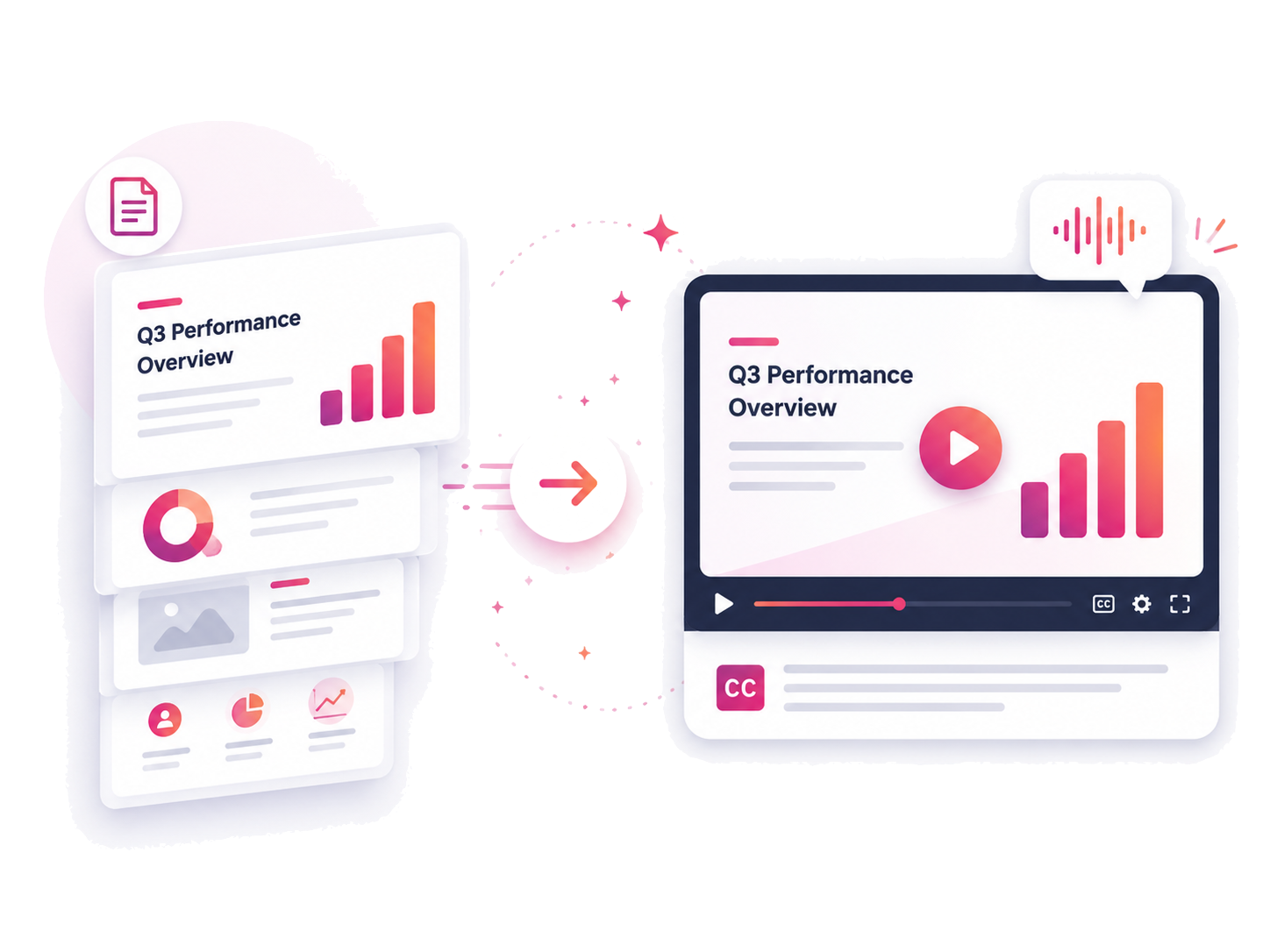


Export your slides from Google Slides, PowerPoint, or another presentation tool and upload to Acoust by clicking on "Presentation to Video" button

Add background music or create a professional voiceover using our rich text-to-speech voice library. Want to use your own voice? No problem — instantly clone your voice for a personalized touch.

Adjust slides, transitions, timing, voiceover, and other settings before exporting.
Acoust is an online AI voice generator and text-to-speech platform that turns written text into studio-quality audio in seconds. It offers 200+ voices across 40+ languages, AI voice cloning from a 10-second sample, and a built-in video editor — everything you need to produce professional voiceover content without leaving your browser.
Yes — Acoust is a free AI voice generator. Create text-to-speech previews and try AI voice cloning with no credit card required. Free plan users get a monthly character allowance; paid plans unlock higher limits, MP3 downloads, team seats, and commercial licensing.
Yes! Contact us today for customized solutions for your team.
Absolutely. One of our most popular use cases is creating social media content, especially for platforms like YouTube.
Acoust combines AI text-to-speech with a built-in video editor — so you can write a script, generate a lifelike voiceover, and produce a finished video in one place. Unlike standalone TTS tools, Acoust supports voice cloning from a 10-second sample, 40+ languages, and team collaboration. No downloads, no stitching tools together.
Yes, the generated audio can be downloaded in MP3 format.
An AI voice generator converts written text into natural-sounding spoken audio using deep learning models trained on real human speech. Modern AI voice generators produce expressive, lifelike voices across dozens of languages and accents — used for voiceovers, explainer videos, e-learning, audiobooks, and podcasts, without needing voice actors or a recording studio.
.svg)
.svg)

.svg)